
How to accept payments in your car park?

Accepting parking payments sounds simple, but many car parks struggle to get it right.
Outdated machines, confusing systems, and slow payment options cost time, money, and patience.
This guide explains how to accept parking payments in your car park, what options are available, and how to choose the right setup for your site.
TDLR
If you want parking payments to work properly:
- Make paying quick and easy
- Offer modern, familiar payment methods
- Use clear signage
- Choose a system that fits your site and users

Why Parking Payments Matter
Parking payments are more than just collecting money.
They affect how drivers behave and how smoothly your car park runs.
When payments are simple:
- Drivers are more likely to pay
- Complaints reduce
- Revenue increases
When payments are hard:
- Drivers delay or avoid paying
- Disputes increase
- Unauthorised parking becomes more common
Common Problems With Parking Payments
Many car parks struggle with the same issues.
Typical problems include
- Machines that break or run out of paper
- Cash handling and theft risk
- Slow or confusing payment processes
- Drivers forced to download apps
- No clear view of revenue and fees
These problems create frustration for both drivers and operators.
Different Ways to Accept Parking Payments
There is no single solution that fits every site. Below are the main options used today.
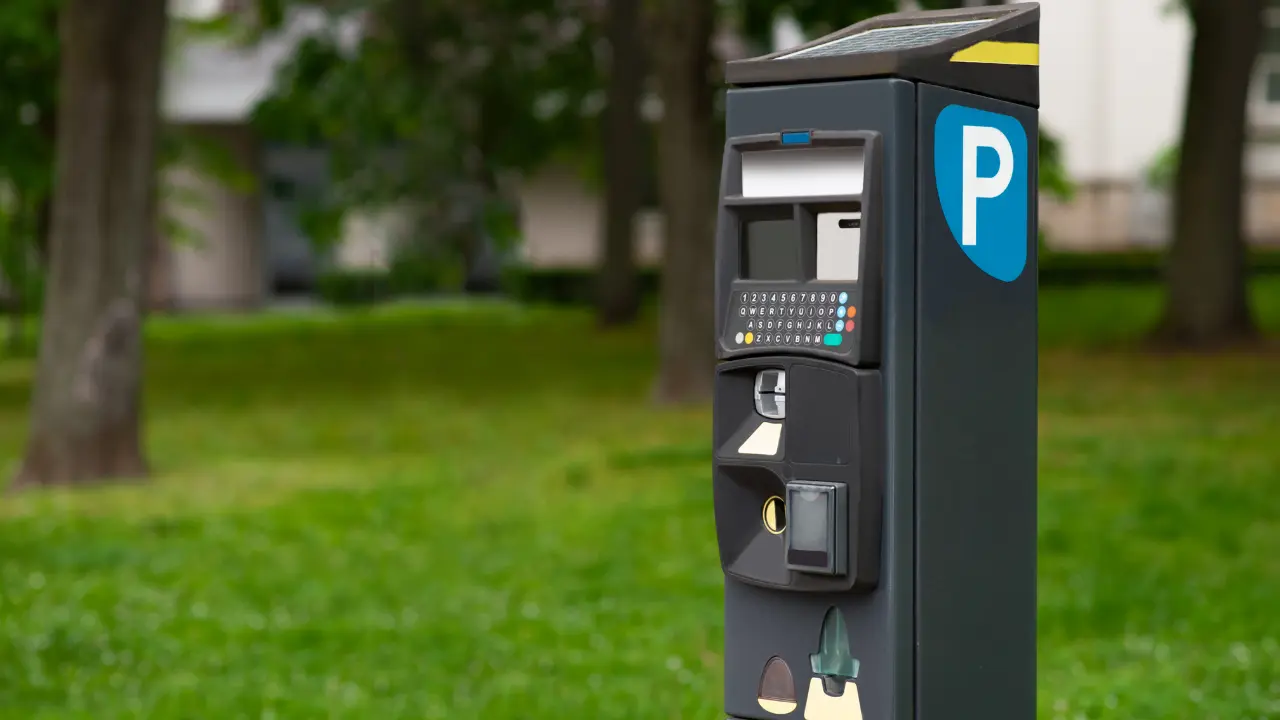
Pay & Display Machines
Pay & display machines are still used in many car parks, especially where drivers expect them.
Pros
- Familiar to most drivers
- Works without mobile signal
- Can accept cash and cards
Cons
- Expensive to install and maintain
- Paper, coin, and fault issues
- No real-time reporting
Recommended provider
If your site needs pay & display machines, I Park Smart Ltd can supply and manage them as part of a wider parking setup.
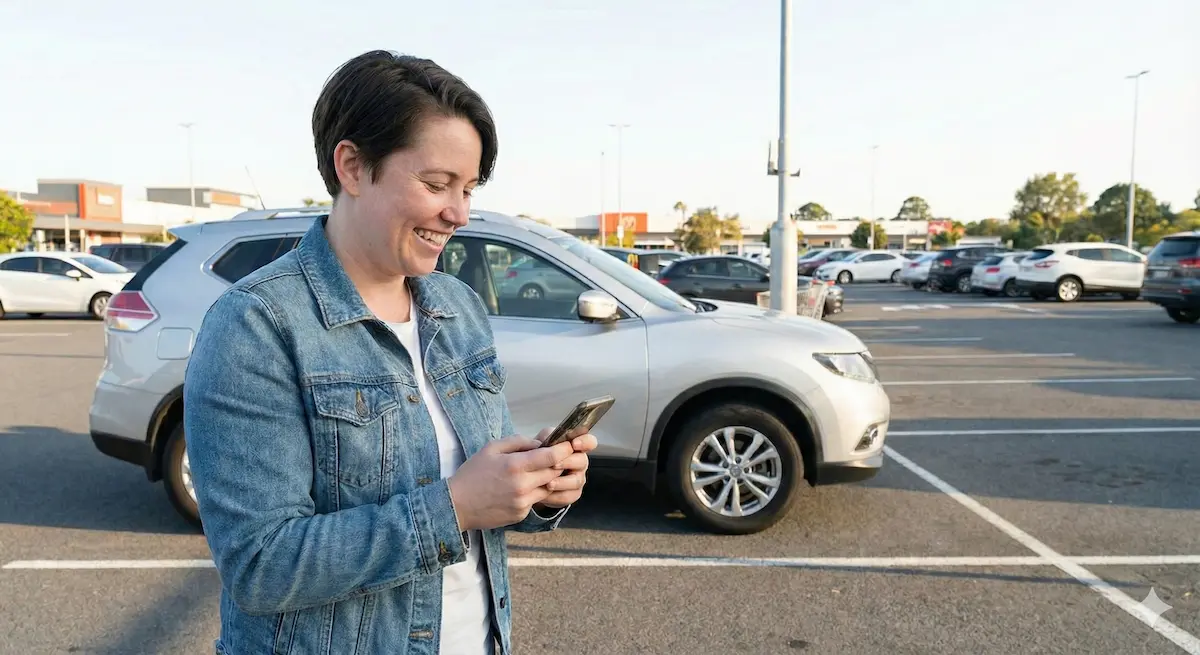
Cashless Parking Payments
Cashless parking payments allow drivers to pay using their phone, usually by scanning a QR code or entering a location code.
This method is growing quickly because it removes friction.
Pros
- No machines to maintain
- Fast payments
- Works with card, Apple Pay, and Google Pay
- Live reporting for operators
Cons
- Needs clear signage
- Requires mobile signal
Recommended system
ParkPayStay provides website-based cashless parking payments that work on any device, with no app download required.
App-Based Parking Payments
Some systems require drivers to download an app before paying.
Pros
- Can store driver details
- Useful for frequent users
Cons
- App fatigue for drivers
- Slow setup in poor signal areas
- Lost payments due to frustration
Many operators are now moving away from app-only systems.
What Drivers Expect From Parking Payments
Drivers want parking payments to be quick and familiar.
Drivers expect
- To pay in under a minute
- No app downloads
- Familiar payment methods
- Clear confirmation
If paying feels hard, drivers lose patience quickly.
What Operators Need From Parking Payments
Operators need control and visibility.
Operators need
- Reliable payments
- Clear fee breakdowns
- Real-time reporting
- Easy setup
- Systems that scale
Without this, managing a car park becomes guesswork.
How to Choose the Right Parking Payment Setup
Every site is different. The right solution depends on how your car park is used.
Things to consider
- Number of spaces
- Location and footfall
- Type of users
- Budget
- Need for enforcement
Many sites use a mix of payment methods to suit different drivers.
Why Cashless Parking Payments Are Becoming the Default
Cashless parking payments reduce friction for everyone.
They:
- Remove machine downtime
- Speed up payments
- Improve compliance
- Reduce maintenance costs
For many operators, this is now the preferred option.
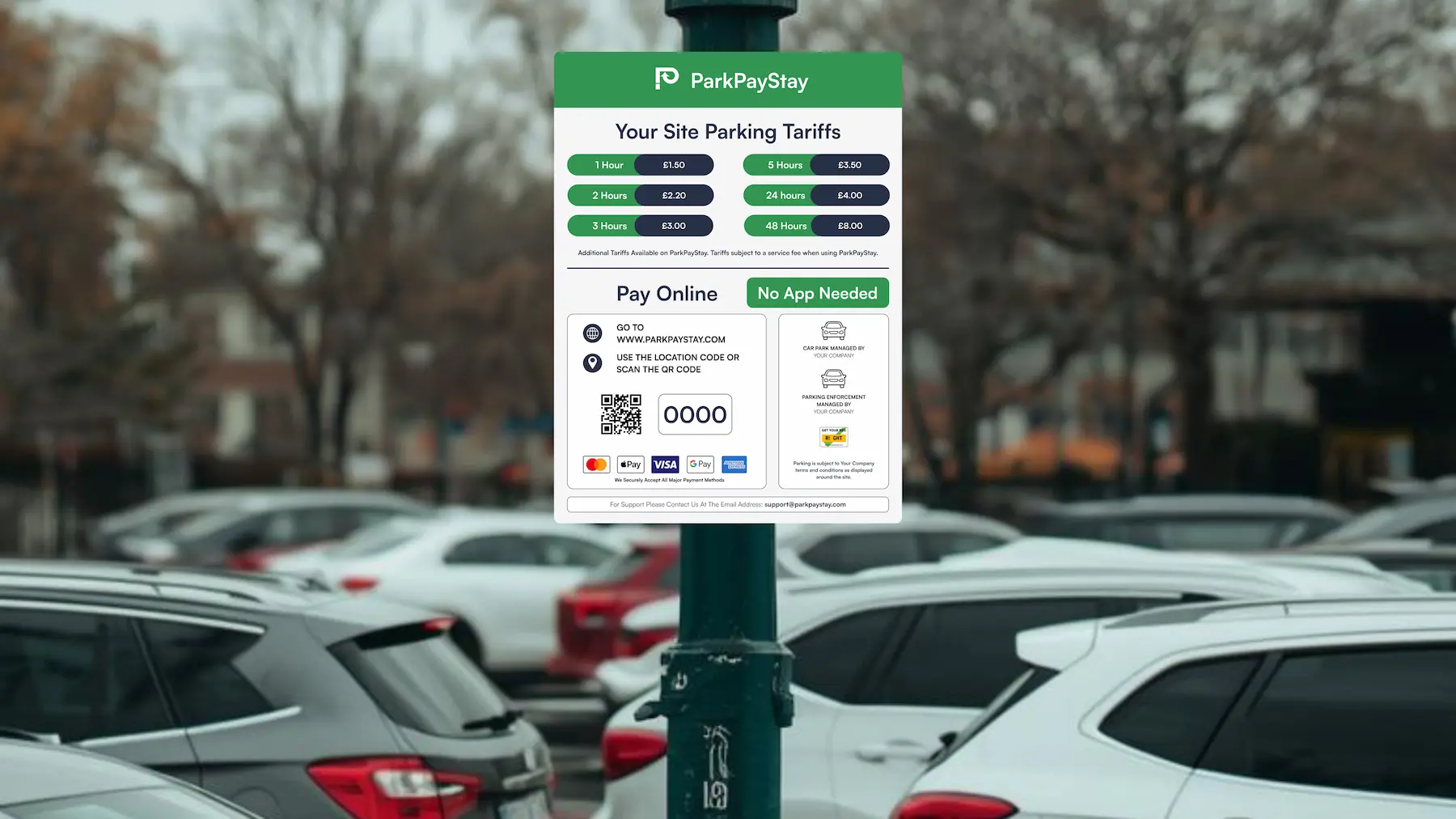
How to Set Up Cashless Parking Payments
Setting up a cashless system does not need to be complicated.
Typical setup steps
- Add clear QR code signage
- Create location codes
- Set tariffs
- Go live
With ParkPayStay, this process can be completed quickly, with full dashboard access from day one.
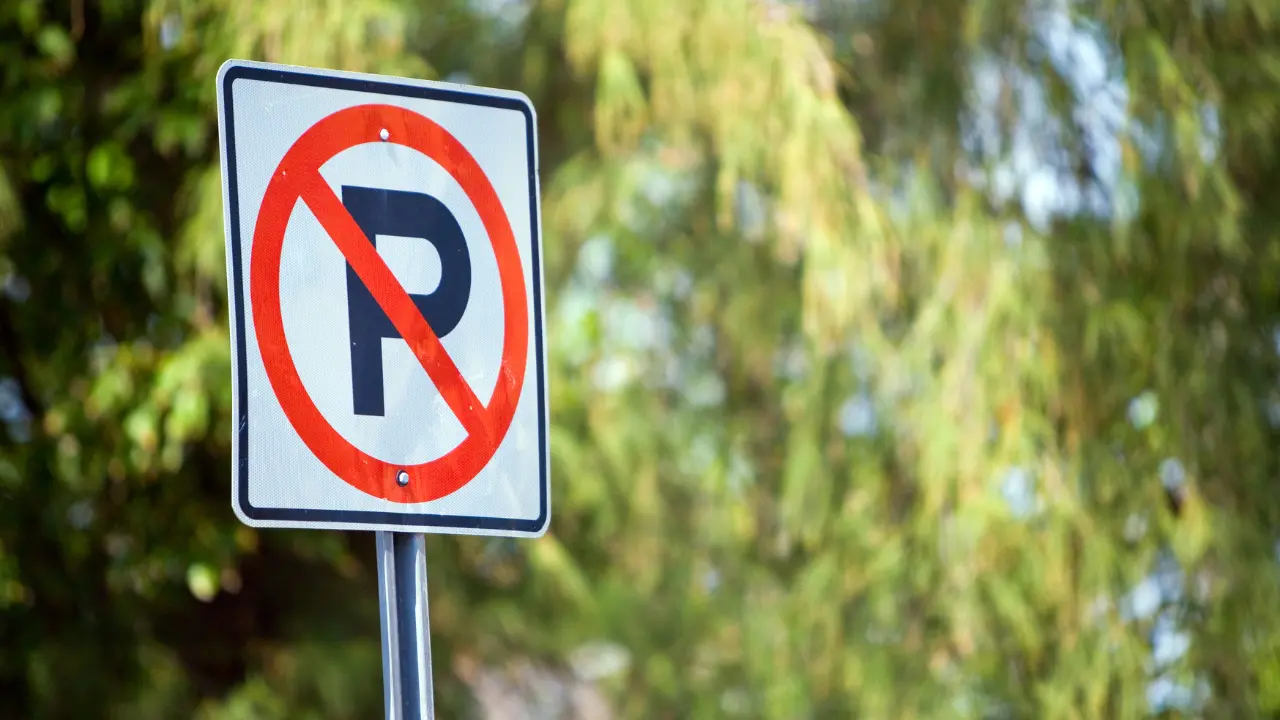
How Parking Payments Support Enforcement
Clear parking payments make enforcement fairer and simpler.
When drivers have:
- Clear rules
- Easy payment options
Excuses disappear.
Payment records also support enforcement decisions and reduce disputes.
Common Mistakes to Avoid
- Making payments too slow
- Relying on one payment method
- Poor signage
- Ignoring driver experience
Small mistakes can lead to big revenue losses.
Final Thoughts
Getting parking payments right makes everything else easier.
When paying is simple, drivers comply.
When systems are clear, operators stay in control.
Whether you use cashless parking payments, pay & display machines, or a mix of both, the key is choosing a setup that works for your site and your users.

Related Posts


What Our Users Are Saying
Ready to Get Started?
Are you ready to start accepting online payments for parking today? If so, get in touch with us for a quick 20-minute demo to see how ParkPayStay can benefit your car parks.